Independent fan guide · Not affiliated with Epic Games
Fortnite Sprite Checklist
Last checked: Nov 4, 2026
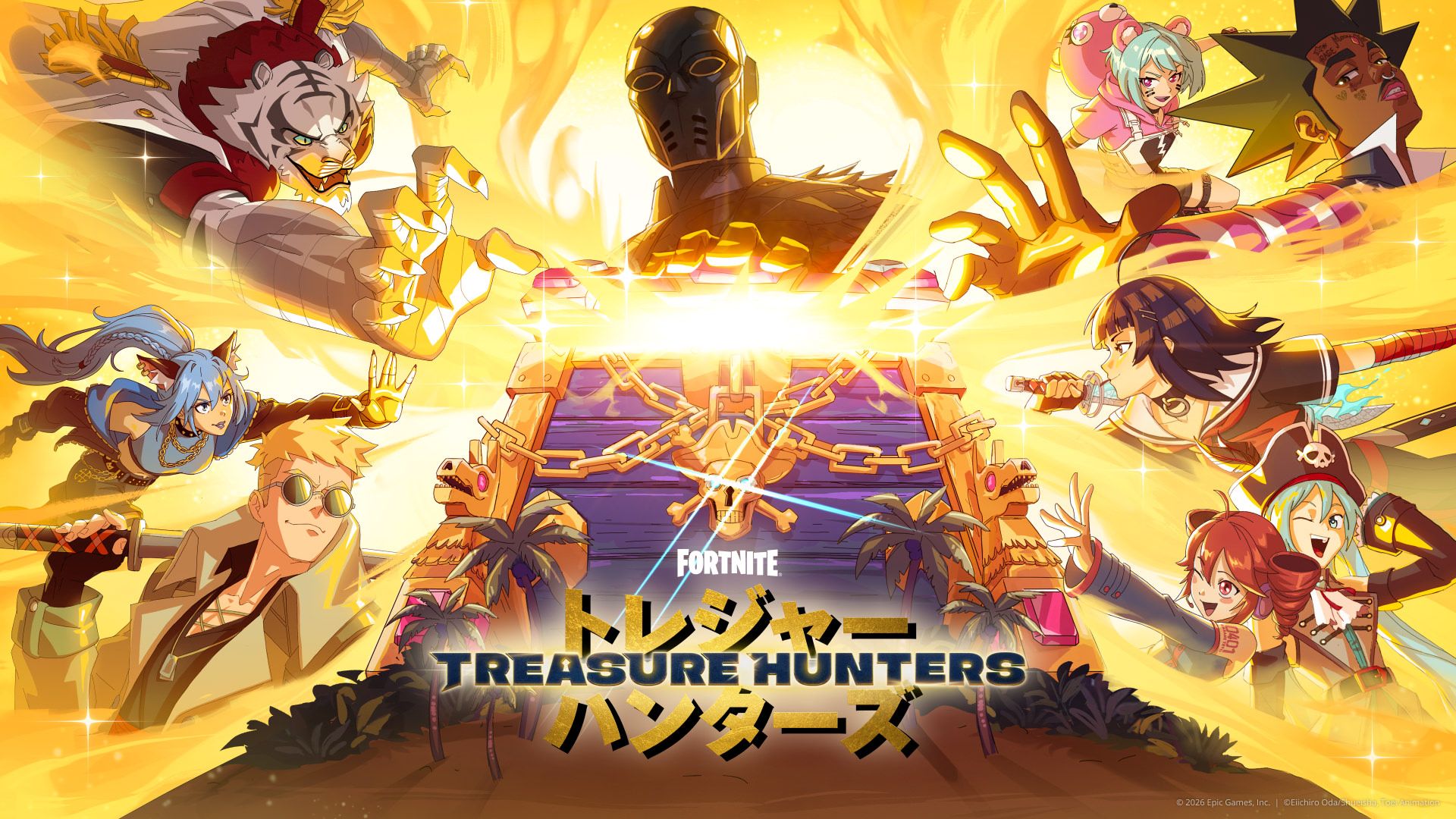
Use this page to keep your own Sprite notes without trusting an incomplete fan list. Epic has not published a complete Sprite list in the materials reviewed here, so no names are prefilled. Copy only labels and progress that you can confirm in your current Fortnite client.
Quick answer
Open the current in-game collection, record the exact label you see, and mark only what your client confirms. This page leaves the catalog blank rather than inventing Sprite names, locations, or effects.
How to use this checklist
Treat the blank tracker as a note-taking aid. When the game displays a Sprite name or collection entry, copy its label exactly into your own notes, then record where you saw it only if the game identifies that context. Keep a capture from your own session when possible so you can check the source later.
The page itself does not store progress or connect to an account. You can use a paper note or a private document. Do not send passwords, account IDs, or recovery information to a checklist site that claims to sync your locker.
Sprites confirmed so far
Epic has not published a complete Sprite list in the materials reviewed here. This section is intentionally empty until names can be checked against the live client or an official source. We will not add placeholder names to make the list appear complete.
| In-game label (fill from your client) | How you confirmed it | Your progress note |
|---|---|---|
| No entries are prefilled. Add only labels you can verify in game. | ||
Do not interpret an empty table as evidence that the game contains no Sprites. It means this guide does not have a complete, verified catalog to publish.
What to do when the list changes
A game update can add or change collection entries. Compare your current menu with the previous notes, and re-check any detail that no longer matches. If a name or behavior changed, update your local notes instead of assuming the old record remains current.
We will only revise the public list when a screenshot or official page supports the change. See the Sprites overview and season guide for the broader context.
Track progress without an account
Keep notes locally in a format you control. A simple record can include the label visible in your client, the date you checked it, and a short note about what the game showed. Avoid storing Epic credentials, verification codes, or private account identifiers in a public tracker.
If a third-party site offers to fill your collection after you sign in, do not assume the request is safe. Use the game's own account and collection menus. For token-related pages, review our account safety guide.
Frequently asked questions
Has Epic published a complete Sprite list?
Epic has not published a complete Sprite list in the materials reviewed for this guide.
Why are no Sprite names filled in?
We do not have a complete verified list to publish. Add only labels confirmed by your current client.
Can this checklist sync with my account?
No. It is a static note-taking guide and does not connect to Epic accounts.
How should I record a new Sprite?
Copy the label shown in game and record the context only when the client confirms it.
Where can I read about Sprites?
See the Fortnite Sprites overview and the Treasure Hunters season guide.