Independent fan guide · Not affiliated with Epic Games
Fortnite Shop Token Scams: 7 Red Flags
Last checked: Nov 4, 2026
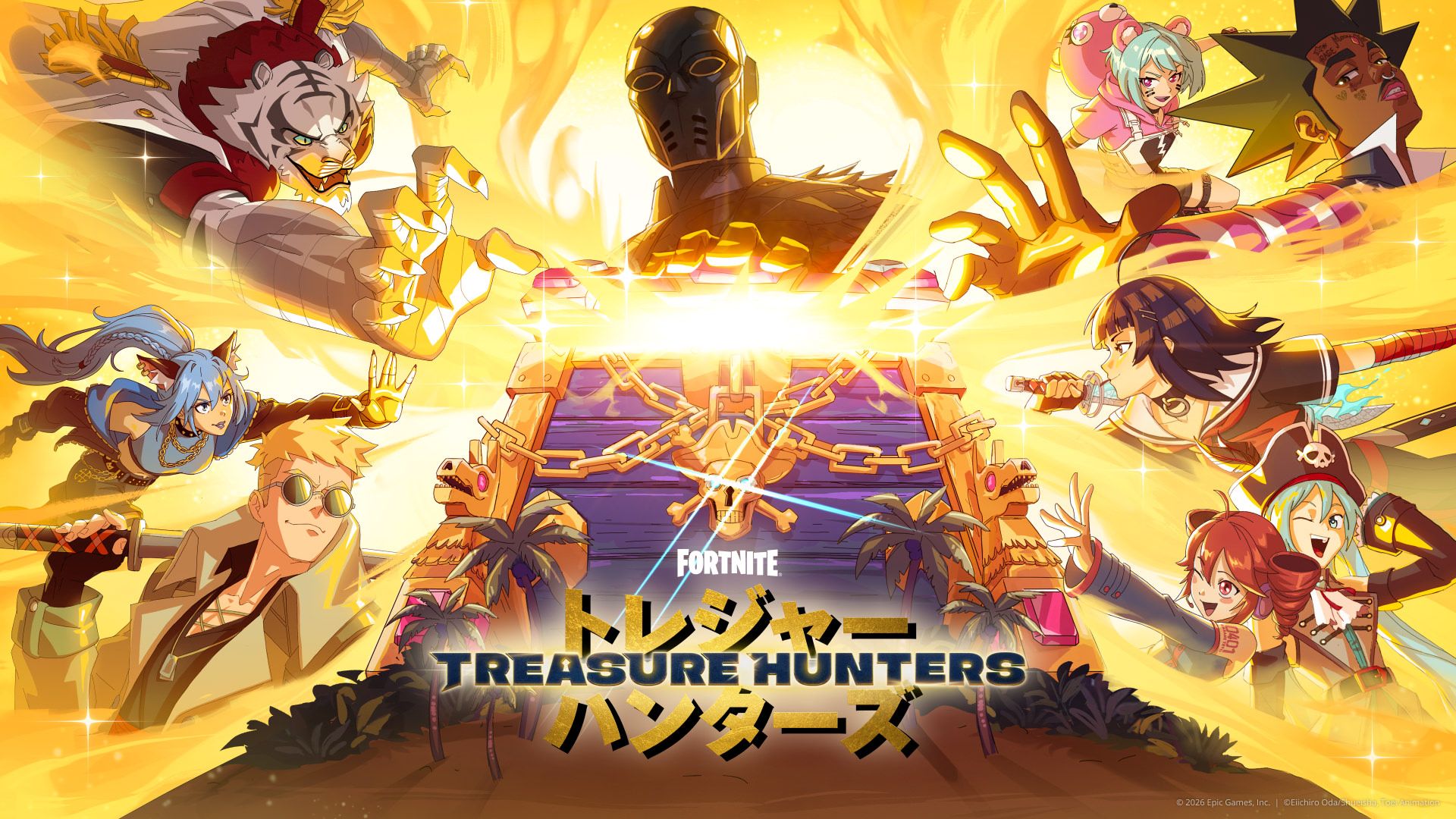
A Fortnite Pirate Shop Token is an in-game reward, but that does not make third-party generators or token-code pages legitimate. Never share an Epic password, email code, or 2FA code with a giveaway page. If you already entered details, secure your account from Epic’s own site and check for unfamiliar access.
Quick answer
Use Pirate Shop Access only through the in-game Item Shop banner. Treat requests for credentials, downloads, surveys, payment, or a “guaranteed” token as scam signs. If you submitted information, secure the Epic account and its linked email immediately.
The giveaway pattern that never works
A page promises free shop items, asks you to “verify” your Epic account, then requests a password, inbox code, download, survey, or fee. These actions do not activate Pirate Shop Access. The real reward is handled in the Fortnite Item Shop, not through a third-party web form.
A polished logo, urgent timer, or reposted screenshot cannot prove a page is connected to Epic. Verify the full domain and use the game or Epic help pages directly. For the real process, see the token guide.
7 red flags on fake token pages
- 1. It asks for your Epic password. Do not type account credentials into a giveaway page. Open Epic by entering its address yourself.
- 2. It asks for an email or 2FA code. Verification codes are for your account sign-in flow, not for a third party claiming to grant a cosmetic.
- 3. It offers a token generator. There is no official Pirate Shop Token generator. The game reward cannot be manufactured by a browser tool.
- 4. It tells you to download an unlocker. Do not run files or install extensions that claim to add a token or alter the Item Shop.
- 5. It demands a survey first. A survey is not the Fortnite activation path and can collect personal information.
- 6. It charges an unlock fee. Do not pay a third party to reveal, activate, or deliver Pirate Shop Access.
- 7. It promises a guaranteed drop or code. Epic has not published a drop rate or a token redemption code. Precise guarantees are unsupported.
What a real reward never asks for
The in-game reward does not need your password, recovery code, email inbox, payment card, or a third-party download. The activation is shown in Fortnite's Item Shop. If the game does not show access, a web page cannot legitimately create it for you.
Use only the controls in the game and links from Epic. For more context, read how the Pirate Shop works and where actual product codes are handled.
If you already entered your password
- Go directly to Epic's account page and change your password.
- Change any reused password on other services.
- Secure the email account connected to Epic and update its password.
- Enable 2FA using Epic's account security settings.
- Review signed-in devices and account connections for anything unfamiliar.
- Contact Epic Player Support if you see changes you did not make or cannot sign in.
Do not follow a “recovery helper” who asks you to send a code or password. Epic's support center is the place to start.
If you only opened the page
Close it and do not download anything or grant browser permissions. If you downloaded a file, do not run it; remove it and use a trusted security tool to review the device. If you only viewed a page and entered nothing, there is no token activation step you need to complete.
A convincing page may copy colors, logos, or wording from a real game promotion. Visual polish does not prove that Epic operates it. Check the address bar yourself, open Epic from a bookmark or a URL you type, and compare the offer with the live in-game message. A padlock only means the connection is encrypted; it does not tell you who runs the site.
If you downloaded a file, remove it and scan your device with trusted security software. If you granted browser notifications, remove that permission in the browser settings. Keep evidence such as the page address and message for a report, but do not forward a link that may put another player at risk. Epic support can advise on account recovery; do not trust a stranger who contacts you claiming they can recover the account for a fee.
Frequently asked questions
Is a Pirate Shop Token generator real?
No. Epic has not published a token generator. Access is activated from the in-game Item Shop banner.
Should a reward page ask for my Epic password?
No. Never enter your password on a third-party giveaway page.
What if I entered an email or 2FA code?
Secure your Epic account and linked email, change passwords, review devices, and contact Epic support if you see unfamiliar activity.
Can I pay someone to unlock Pirate Shop Access?
No. Do not pay an unlock fee or share account details with a third party.
Does a token code exist?
There is no official Pirate Shop Token redemption code. Activate access in the Item Shop.
What if I only opened the page?
Close it, avoid downloads and permissions, and do not enter credentials.